 Cellwright
Migrate Excel VBA macros to LibreOffice and Python.
Free and open source. Preview release. Unsigned x64 archives. Release notes & checksums
Understand the workbook.
Inventory VBA, forms, controls and Power Query. Find duplicates, blockers and unknown coverage before you begin. Scan and convert locally. No workbook upload.
Rebuild what’s supported.
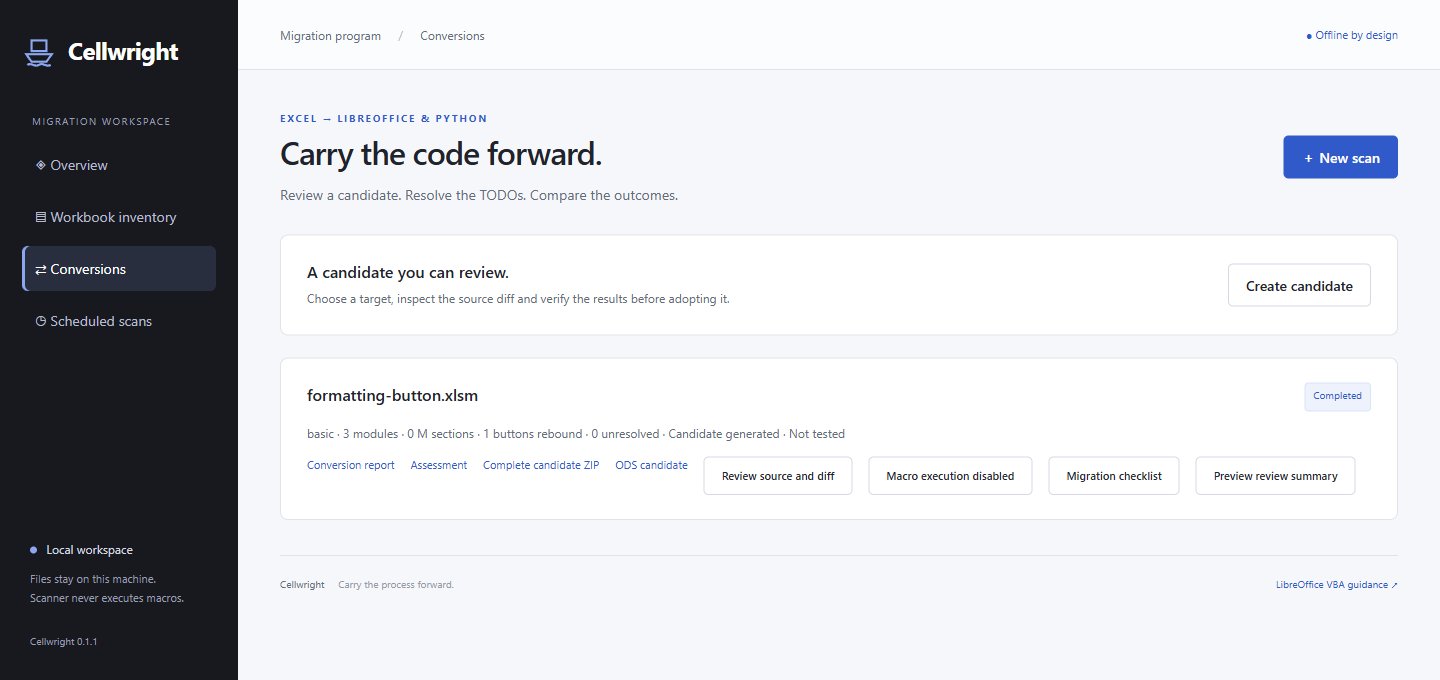
Generate Basic or Python candidates and review the diff. Keep the original code beside each candidate. Supported UserForms and ActiveX controls get editable layouts and source-matched event candidates.
Know what remains.
Each unresolved item has a location, a reason and a next action.
Start with the sample.
The archive includes the scanner, local dashboard, migration tools and a sample Excel workbook. Setup checks tell you which dependencies to install.
- Extract the full archive.Python 3.11+ runs the dashboard. LibreOffice is needed for Basic/UNO conversion.
- Open the launcher.
Start Cellwright.cmdon Windows.start-cellwright.shon Linux. The dashboard opens in your browser. - Scan the demonstration workbook.Create a candidate, inspect the checklist and compare its source.
- Review, then verify.Execution requires a startup flag and consent for each comparison.
Supported conversions still need review.
Custom ActiveX controls, complex or dynamic forms, lifecycle events and unsupported code stay on the manual checklist.
Form display and new Basic helper behavior are not runtime-verified. Effort ranges remain uncalibrated planning estimates.
Walk through your first migration Forms & controls guide Manual migration recipes Validation & limits